Maya Wallet or Casino Account: Who Must Complete Identity Checks?
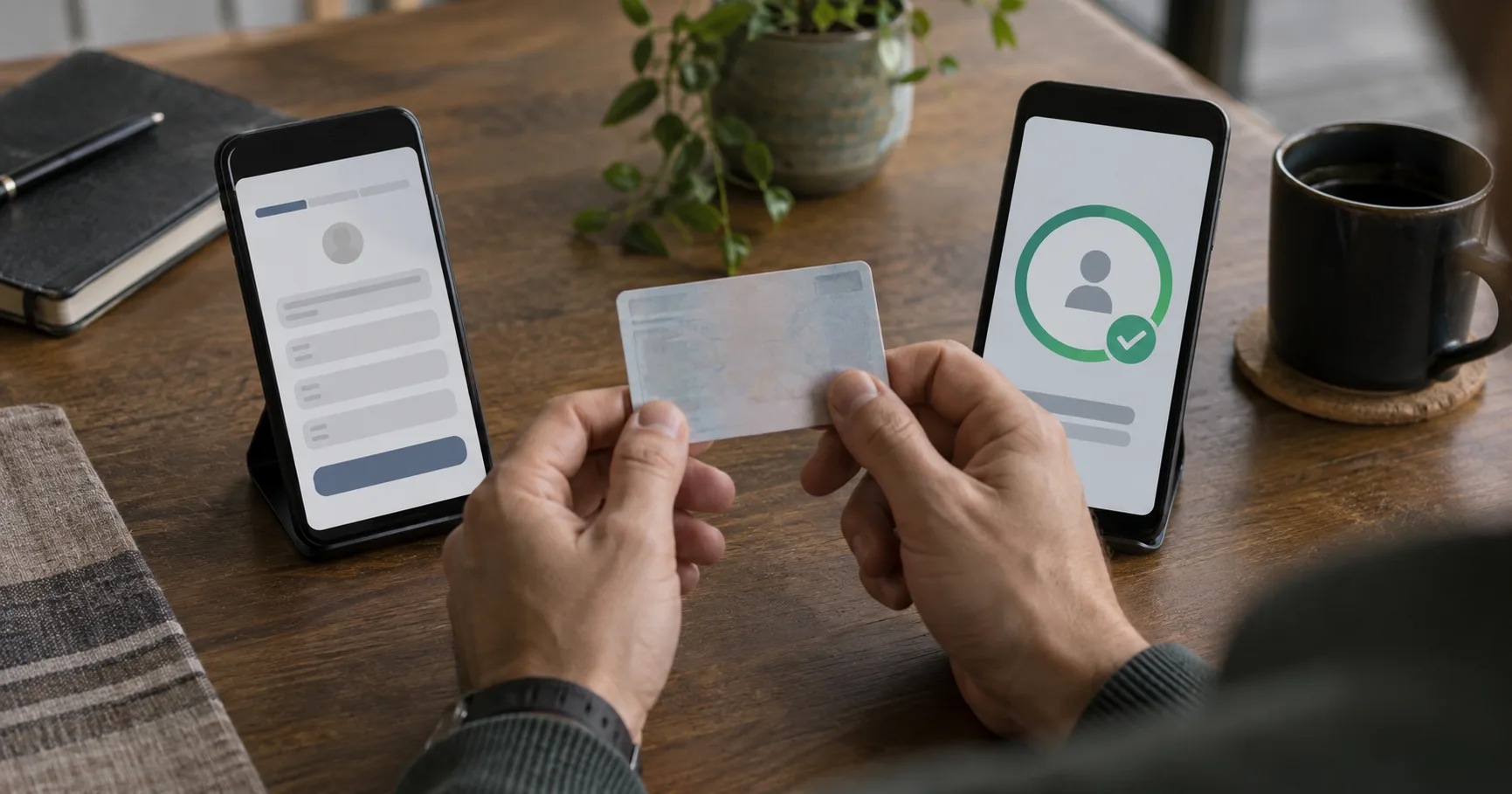
A player can have a working Maya wallet and still be asked to verify a casino account before cash-out. That is the distinction to check before an evening session, especially if an ID is elsewhere and mobile data is unreliable. A wallet check and a site check concern different accounts; completing one does not automatically complete the other.
This guide covers the registration sequence and the evidence each check may call for. It does not assume that Silver Tide Gaming accepts a particular document, uses a particular review process, or asks every player to verify at the same point. Those details must come from the instructions displayed for the account.
Two accounts can ask the same person different questions
Maya identifies the person using its wallet. A casino account identifies the person registered on that site and may need to match that person to a payment method. The name on a Maya profile, the name entered at registration, and the name on an ID therefore deserve a comparison before money moves. A spelling difference may be harmless in ordinary conversation but material when records are matched.
For example, imagine a player whose ID says “Maria Dela Cruz” while an older site account says “Maria Cruz.” That example describes a possible mismatch, not a rule about what Maya or Silver Tide Gaming will accept. The useful action is to check the displayed names and ask the relevant support team which record needs correction. Creating a second account to bypass the mismatch can make ownership harder to establish.
Who may need another check, and who may not?
An experienced player may already have completed one identity check. The question is whether it covered the account and action now in use. A verified Maya wallet does not tell you the verification state of a casino account, while a verified casino profile does not establish the state of a newly opened wallet.
A new Maya user should follow the wallet’s current identity prompts before assuming that every wallet feature is available.
A new casino registrant should check the site’s account requirements, even if an existing Maya profile has already been verified.
A returning player using the same account and payment name may have no new document request, unless the live account instructions say otherwise.
A player who changes a phone number, payment method, or recorded name should check whether the change triggers another ownership review.
These are situations to examine, not claims about a named operator’s policy. If you already have an account, use its Login route and inspect its status before opening another one. That preserves the account history a support team may need to resolve a mismatch.
Follow the registration sequence without merging the records
Set aside the device and SIM you intend to keep using. An SMS code sent during signup proves access to a phone number at that moment; it does not replace an ID check. On mobile data, finish each screen before switching apps, since an interrupted upload can leave you unsure which step was saved.
Open Maya through a source you recognise, and confirm that the phone number and personal details you enter are yours.
Complete the Maya prompts shown for your wallet, including any SMS or identity step, using the current instructions on screen.
Register the casino account with your own details, checking its name fields against the ID you expect to present.
Inspect the casino’s document and payment-name requirements before selecting Maya as a payment method, if Maya appears among its options.
Keep the confirmation or account-status screen from each service separate, so you know which provider received each submission.
That sequence is a way to avoid mixing up two applications. It is not a description of Silver Tide Gaming’s exact buttons or Maya’s current acceptance criteria. If either service shows a different order, follow its live instructions and retain the resulting status. A completed signup form, an accepted ID, and an approved payment method can be separate states.
Prepare evidence that can actually be reviewed
Document requirements vary by service and by the check being performed. A Philippine national ID, passport, or driver’s licence may be offered as an example of an identity document, but its presence here does not mean either service accepts it for your case. Read the current accepted-document list before taking photographs.
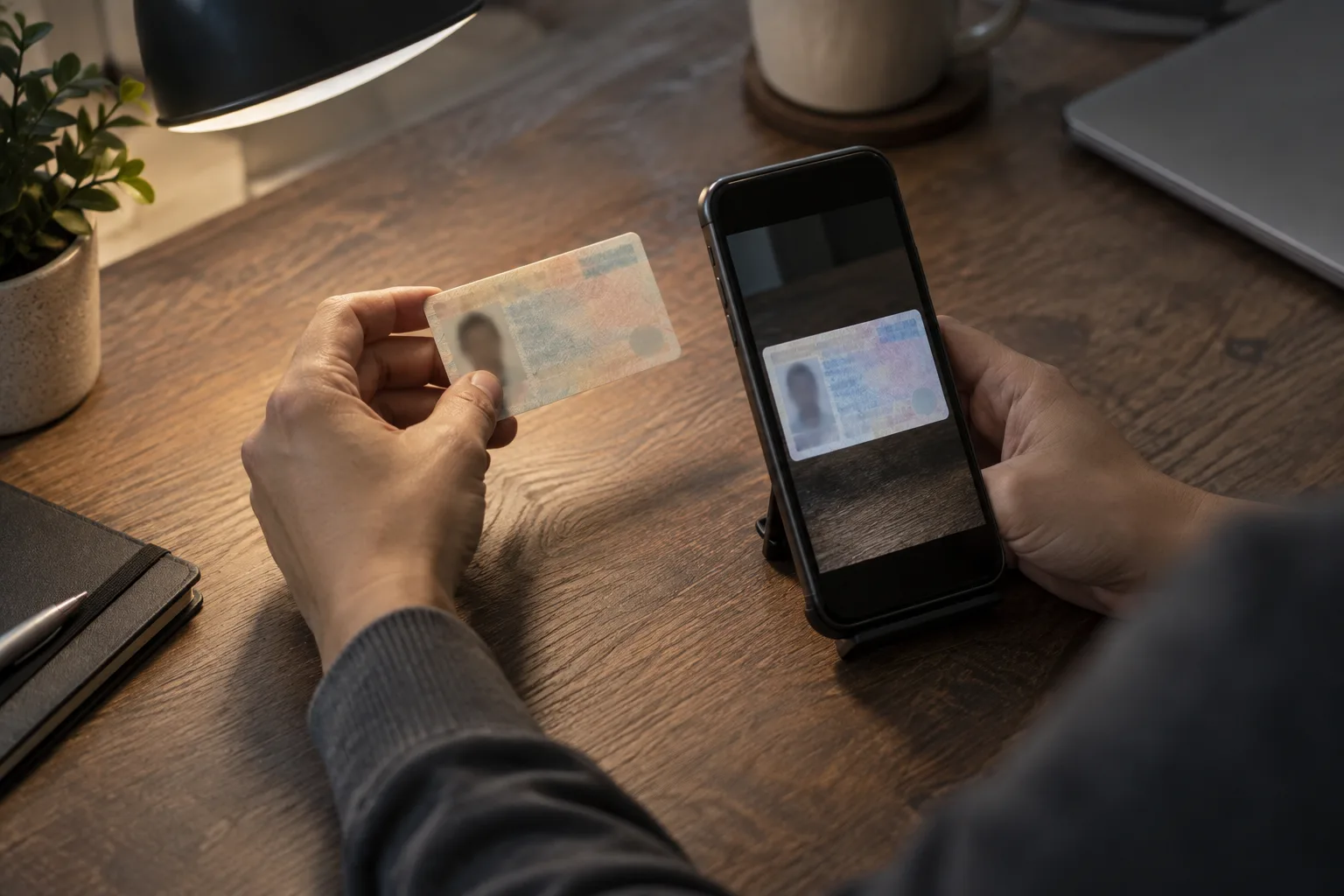
Check that the document type appears in the service’s current list, and use an unexpired document if the instructions require one.
Compare the account name with the document name, including middle names and spacing, before submitting an image that cannot explain a mismatch.
Photograph the full document in even light, with edges visible and details readable, rather than relying on a cropped screenshot.
Check whether the flow asks for a face image, an additional document side, or an address record before leaving the upload screen.
Keep your own copy of the submission status, while sending sensitive images only through the service’s stated secure channel.
Suppose an upload shows a clear front image but a blurred reverse. Retaking the reverse is more useful than sending the same blurry file twice. Likewise, a correct ID photograph cannot resolve a wrong account name by itself. Each item answers a different question: identity, legibility, account ownership, or payment ownership.
Why the check can surface at cash-out
Verification may become visible when a player tries an action that needs a closer ownership check. A Withdrawal request is one reason to inspect the account’s status before assuming the payment path is ready. That does not mean every request is delayed or that any particular document guarantees approval. The live message should identify the next requirement.
Consider a hypothetical player who registers with one surname, funds a wallet under another surname, and later requests PHP 500. The PHP 500 is an example amount, not a threshold or a stated Silver Tide Gaming rule. The likely question is which person owns the account and payment method. The sensible response is to resolve the recorded names before making another payment or another request.
For a weekend player using mobile data, this is best handled before the session begins. A photograph taken in daylight is easier to assess than one shot hurriedly after a late-night prompt. Payment centres may help someone add money to an e-wallet, but a payment receipt does not substitute for an identity document when the requested check concerns the account holder.
When a submission stalls, identify the exact record
Look at the status in both places: the Maya wallet and the casino account. If Maya says its step is complete while the casino still asks for an ID, work on the casino request. If the casino profile is clear but the wallet displays an unfinished prompt, follow Maya’s instructions. The same distinction applies to an SMS code that never arrives: verify the phone number and connection before requesting another code.
When contacting support, describe the account, the step, and the message you can see. You can say, for example, that the ID upload on the casino account remains pending while Maya shows its wallet check as complete. Share only the identifiers the service requests through its stated channel. A precise account-level description is more useful than saying simply that “Maya verification failed.”
As of 27 September 2026, accepted documents and account prompts should be checked in the live Maya and site flows before submission.