Maya Payment Redirects: Check the Site Before You Approve a Transfer
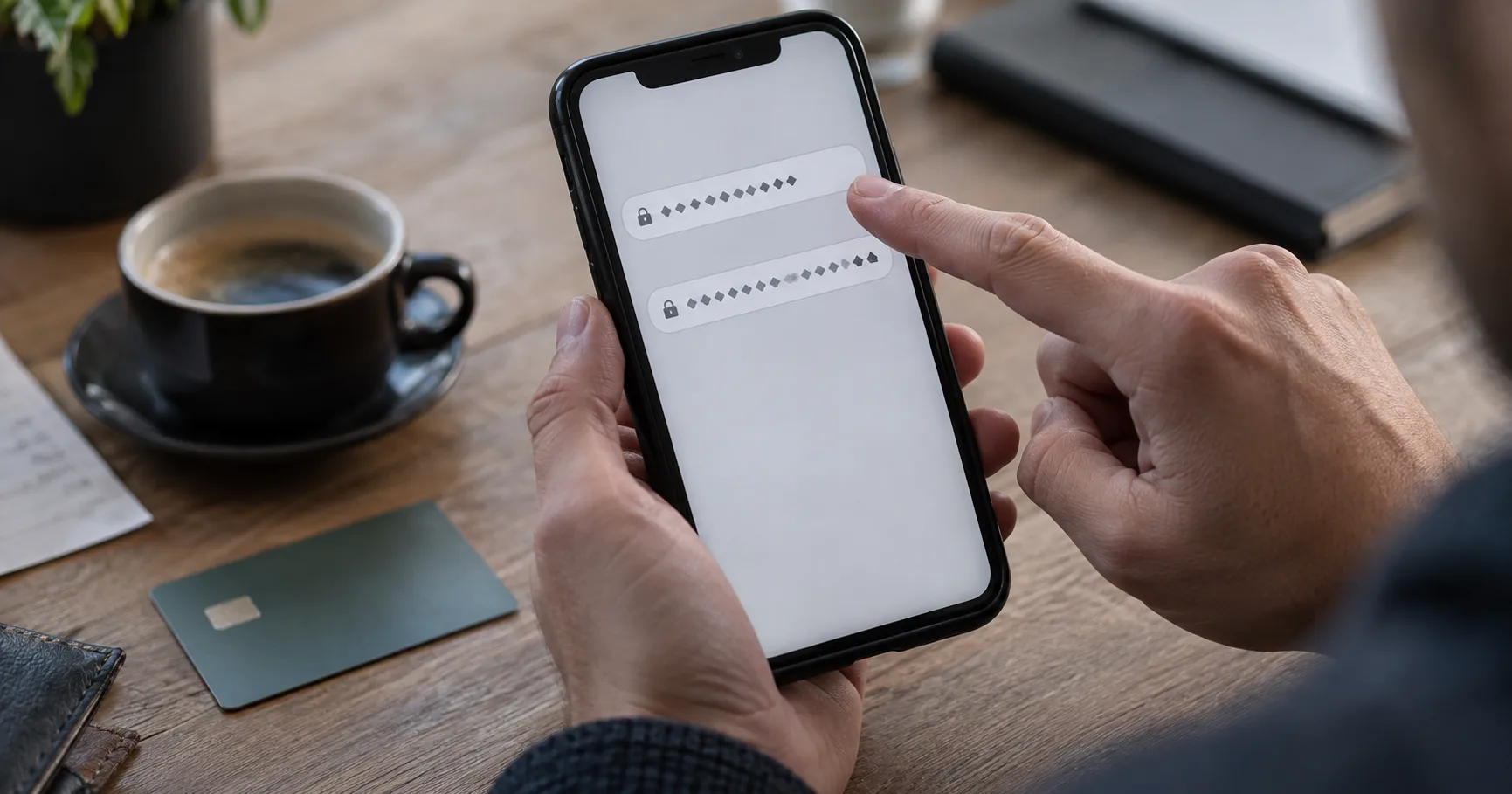
You are on your phone, ready to pay with Maya, when a link opens a page that looks like Silver Tide Gaming. The colours and buttons seem familiar, but the address is longer than expected. That is the moment to pause. A copied page can ask for a password, a one-time code or a transfer to an account you never meant to pay.
For a first visit, treat the web address and the payment recipient as two separate checks. A familiar logo cannot confirm either one. This matters especially when you are moving between mobile data, an SMS link and the Maya app, because each switch makes it easier to lose track of where you started.
Find the destination behind the familiar name
A search result, QR code or message can display “Maya” or “Silver Tide Gaming” while opening another domain. In Chrome or Safari, tap the address bar and read the whole address before entering account details. The meaningful part is the actual site domain, not a brand name placed earlier in a long string.
When you visit Silver Tide Gaming for the first time, confirm its exact web address through a contact route you reached independently of the payment message. Save that address only after it matches. On later visits, open the saved address yourself instead of following a new payment link.
- Read the complete domain in the browser address bar, including its ending, before you use the site's Login page.
- Compare every character with the address you confirmed; one added letter, extra word or different ending can lead elsewhere.
- Check where a QR code or shortened link lands after it opens, while keeping your password and Maya details out of the page.
- Leave the page if a message claims you must switch to another domain before a payment can be completed.
A padlock shows that the connection to that address is encrypted. It does not establish that the address belongs to Silver Tide Gaming. Likewise, a page that loads quickly on Wi-Fi may still be a copycat. The address must stand up to its own check.
Notice what the copied cashier wants from you
A fake cashier often tries to move the decision away from the site you intended to use. It may put a personal payment account on screen, ask you to send proof through chat or pressure you to act before checking. Treat a change in instructions as a reason to stop and compare, even if the page looks polished.
- Compare the payment recipient shown in Maya with the recipient and instructions displayed inside the cashier you reached through the confirmed address.
- Stop if a chat message replaces the cashier's payment route with a QR code, account name or link that you cannot verify there.
- Keep one-time codes and 2FA prompts inside the sign-in or payment flow you started; never relay them to someone in chat.
- Question a request for an extra transfer to release a Withdrawal, especially when it arrives through SMS or a separate page.
Even a small mismatch matters. A PHP 200 test transfer to the wrong recipient is still a real transfer, and a successful small payment does not prove that a second request is safe. If the cashier and Maya show different destinations, leave the payment pending while you check through the site's own support route.
Pause on the Maya confirmation screen
Suppose you intend to send PHP 500. You open a payment page, enter PHP 500 and reach the Maya confirmation screen. The amount matches, but the recipient does not match the cashier you opened from your saved Silver Tide Gaming address. Do not approve the transfer merely because the amount is right; the recipient is the detail that determines where the money goes.
Check the recipient again on the cashier page without using the link that delivered the suspicious instructions. If your mobile signal drops, wait for a stable connection before repeating the check. A loading screen can make it unclear whether you have already submitted a payment, so inspect your Maya activity before trying again. Save the transaction reference if a payment appears there.
The same pause applies to a request split into PHP 200 and PHP 300. Two amounts adding up to PHP 500 do not establish that two recipients are legitimate. Confirm each destination separately before approving either transfer.
If details or money have already gone through
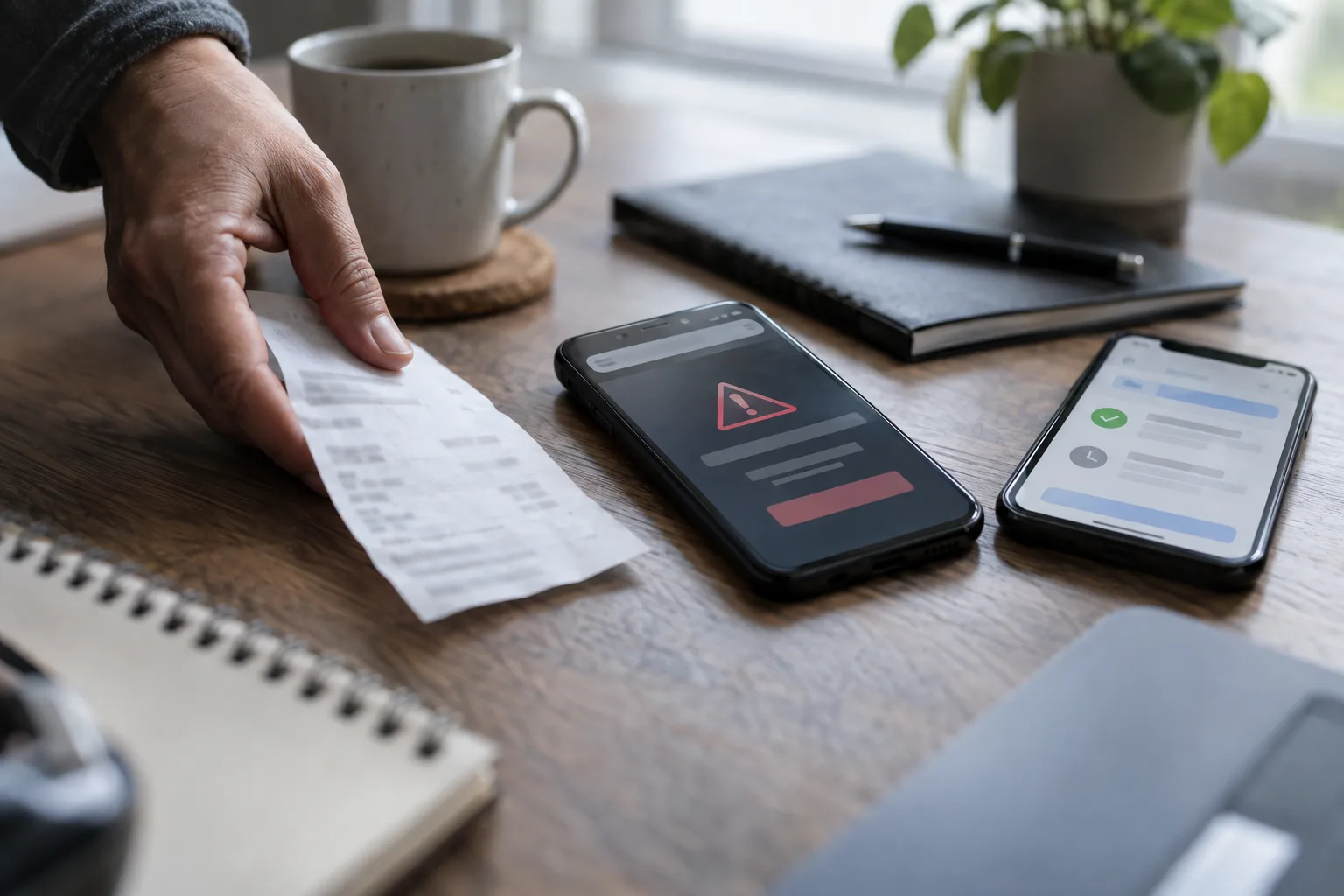
Act on the information you exposed, then preserve a clear record of what happened. A password entered on a copied page creates a different problem from a transfer approved in Maya; both can occur together. Use the app or website opened from your own saved route, rather than links in the suspicious message.
- Change the affected account password through its confirmed site, and change any other account that uses the same password.
- Review 2FA and signed-in sessions where those controls are available, then remove access you do not recognise.
- Open Maya independently, review your activity and use its official help route to report any transfer you did not intend.
- Keep screenshots of the full web address, message, QR code and payment record, with the sequence of events written down.
- Contact Silver Tide Gaming through the route on its confirmed site, and share the suspicious address without sending passwords or one-time codes.
Reporting quickly gives the relevant support teams the transaction and account details they need to review. It does not guarantee that a transfer can be reversed. If you paid from a payment centre instead of the Maya app, keep its receipt and use the centre's official support route as well.
Make the next visit easier to verify
A saved address gives you a consistent starting point, but still read the browser bar when you return. A copied page can arrive through a new SMS, social post or QR code even after you have used the real site before. When payment instructions change, compare them inside the confirmed cashier and ask support there before sending money.
On a slow mobile connection, close duplicate tabs so you can see which page is asking for the next action. Check Maya activity before retrying a stalled transfer. Those small pauses protect more than a rushed second tap: they help you tell a failed load from a completed payment and a familiar-looking page from the site you meant to visit.